 APK
Set Orientation v2.1
Set Orientation is a small, free tool from AfterEcho that lets you control your Android screen's orientation by hand. If an app leaves your phone stuck in landscape, or your rotation sensor is broken, one tap on its notification sets portrait, landscape, or reverse modes and keeps it there.
Download options
No hosted APK file available
Official store link
Version
2.1
File Size
2 MB
Developer
AfterEcho
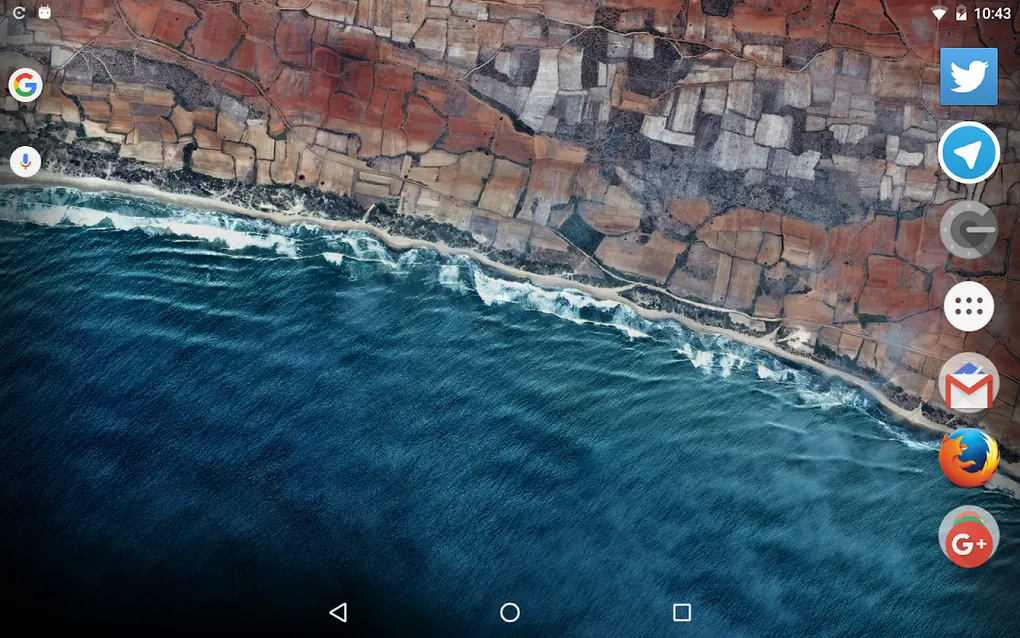
Screenshots & Preview
Click any image to view in full screen
Frequently Asked Questions
Common inquiries regarding Set Orientation installation & verification
What is Set Orientation?
It is a free Android tool by AfterEcho that lets you manually set your screen orientation - portrait, landscape, or reverse modes - even when auto-rotate is not working.
Who developed Set Orientation?
The app is developed by AfterEcho.
What is the latest version of Set Orientation?
The latest version is 2.1.
Is Set Orientation free?
Yes, it is free to download and use, with no ads and no internet connection required.
What Android version do I need for Set Orientation?
The app requires Android 4.1 or newer.
How big is the Set Orientation download?
The download is about 2 MB.
How does Set Orientation work?
It adds a notification that, when tapped, changes the screen orientation. It is handy when a broken sensor or a stuck app leaves your screen in the wrong orientation.
Similar & Recommended
Other popular downloads in this category


Set Orientation
Tools · 2 MB